Accessibility Navigation:
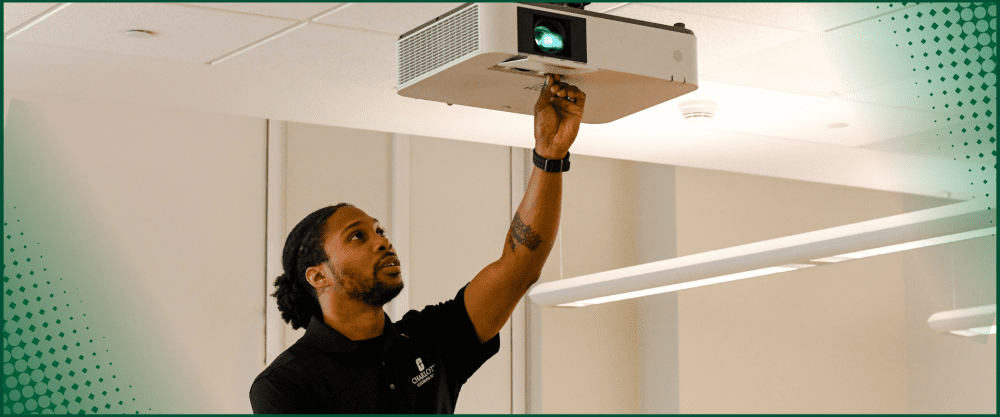
If you encounter difficulties in your classroom, call 7-5500 and choose option 3 for Classroom Support. If you have an issue that prevents the normal continuation of your class, we will make every effort to arrive within ten minutes to help resolve the problem. If you are in one of our newly designed rooms, there is an intercom on the podium that will link you directly to our helpful support staff.
See our Contact Us page for information about other ways to contact us.
The Office of Classroom Support strives to provide classroom support to instructors during class time. We are available 8:00 AM to 8:00 PM Monday through Thursday and 8:00 AM to 5:00 PM Friday and Saturday.
McEniry 013
1. Go to HelpDesk Online
2. Enter your NinerNET username and password information at the HelpDesk Online login screen and describe your classroom technology problem in as much detail as possible.*
3. If unable to log into the HelpDesk Online website, click on the "Click Here" link further down on the page to the right of "Login Problems ?"
.
*Be sure to include the classroom building, room number, and the nature of the problem, along with any time-sensitive issues (e.g. I have to show a VHS movie to my class on Monday, July 25th, and I couldn't get the VCR in COED 168 to work today).